Aircraft Programs
Your Next Certificate,
Flown in Our Cessna 172s
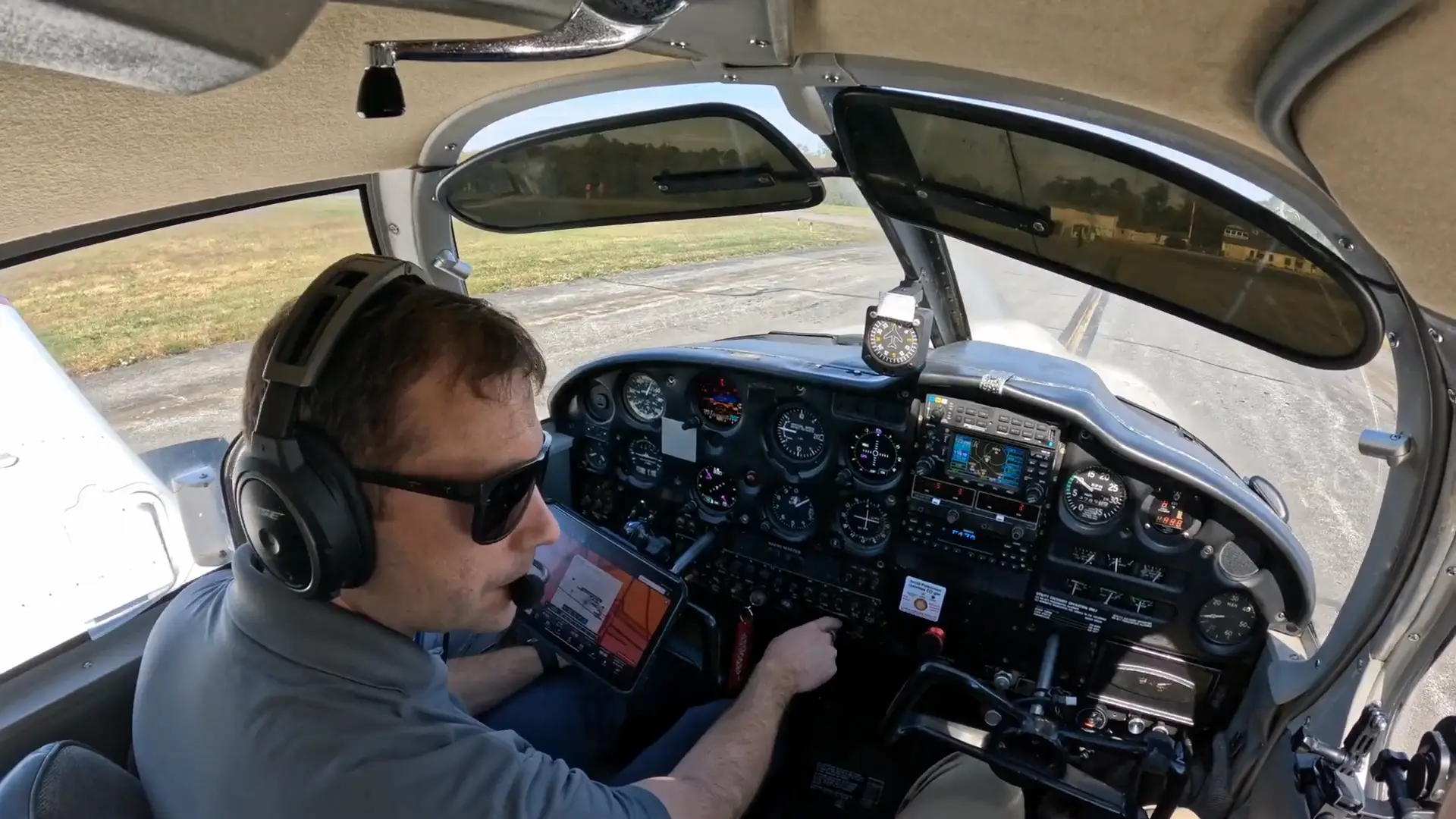
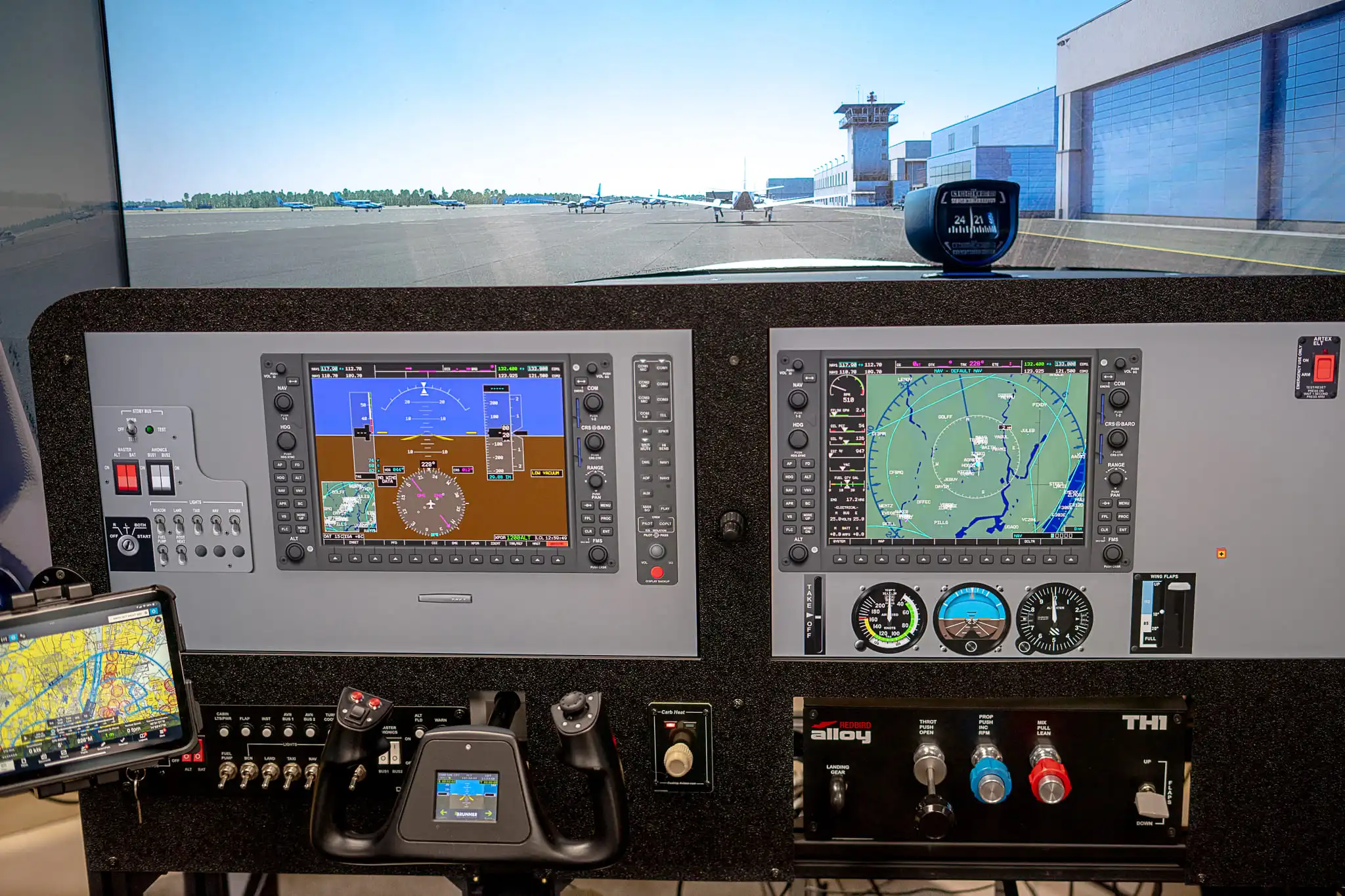
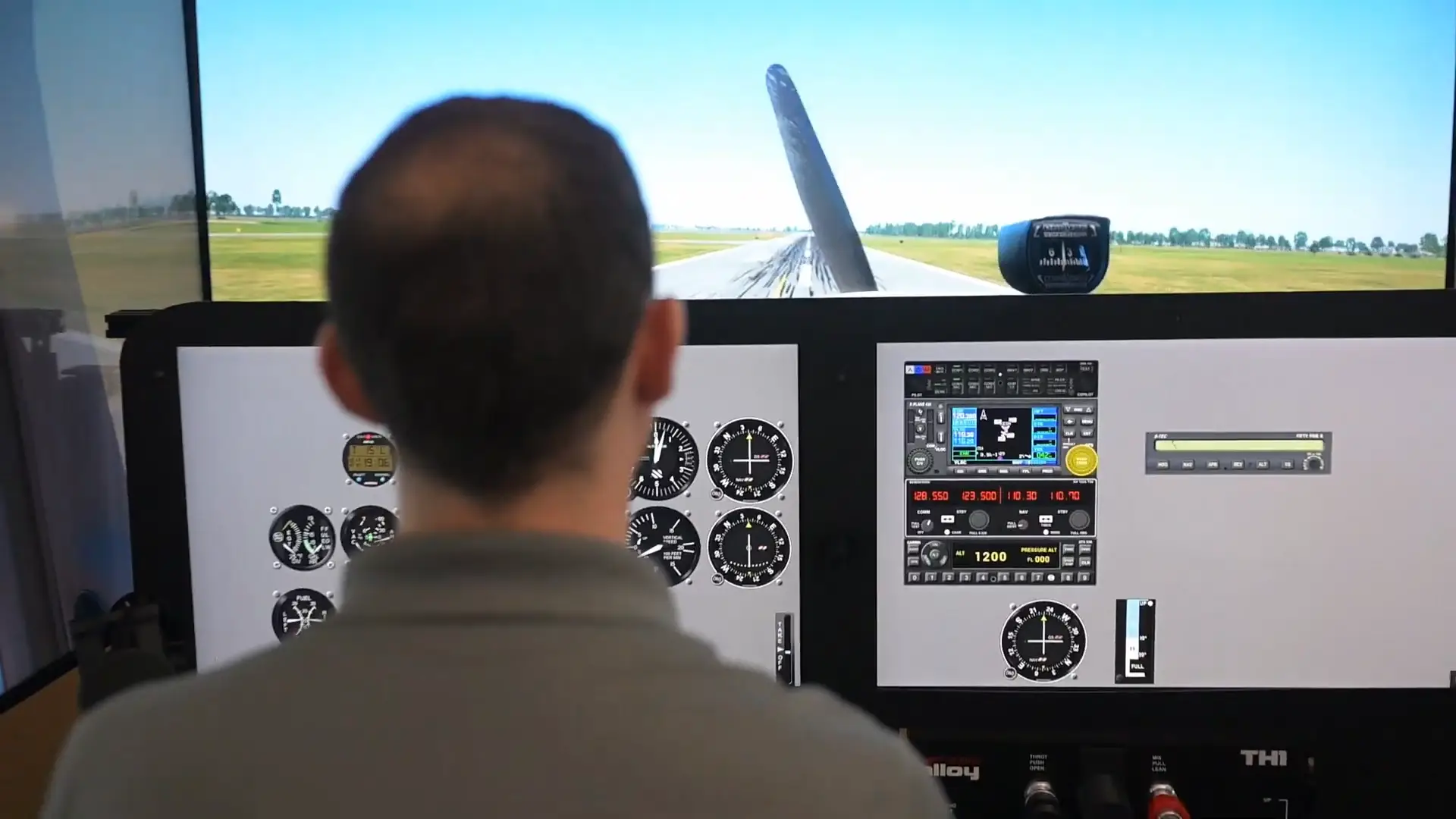
Every program is Part 61 and has the simulator built in. You fly with an instructor in our 172s, and the repeatable work happens in the simulator, so airplane money goes to what only an airplane can teach.
Finish Your First Certificate
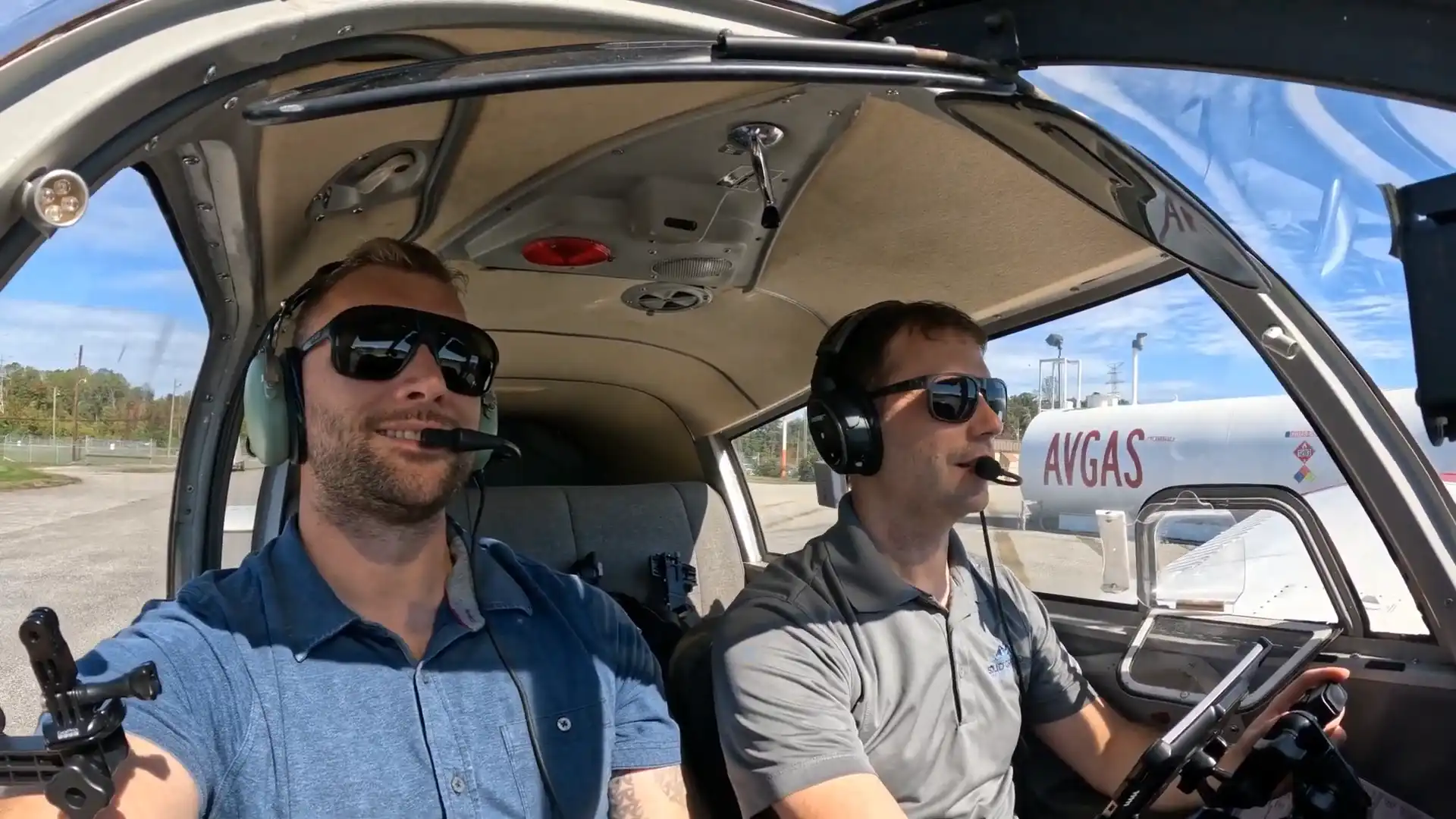
Private Pilot License
Pick up where you are and work through solo, cross-country and checkride prep with our instructors.
Next Step
Instrument Rating
Fly each approach in the simulator until it feels calm, then fly it in the clouds for real.
Go Professional
Commercial Pilot License
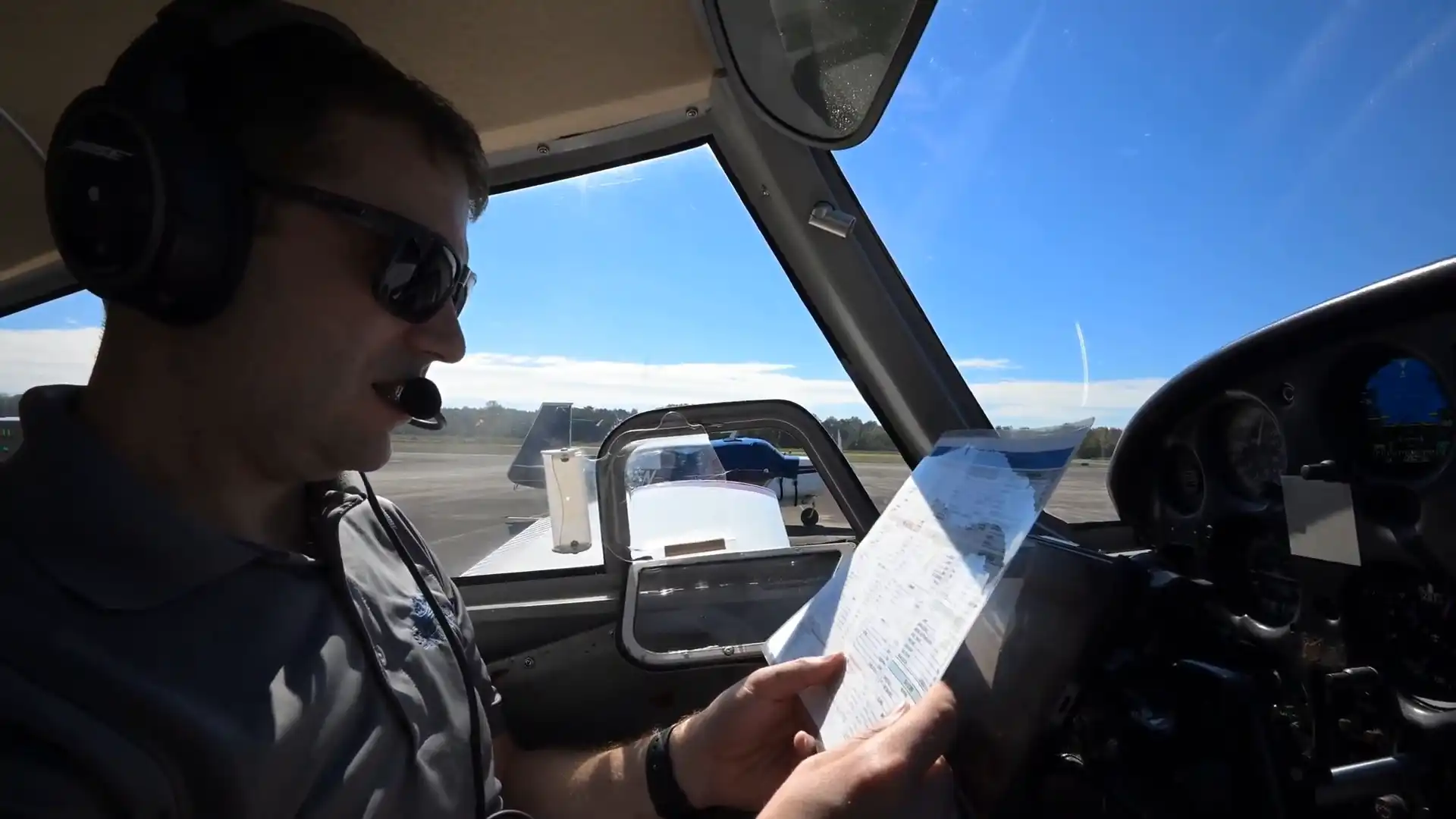
Bring your flying up to commercial standards and take the next step toward a flying career.
Simulator Support
Sharpen Any Skill
Before Your Next Flight
Short simulator sessions for the parts of training that eat airplane time. Book one between lessons, whether you train with us or at another school.
ForeFlight for VFR
Learn to master the ForeFlight app for VFR operations in a simulator environment, saving time and fuel while building navigation confidence.
PPL Maneuver Master
Master the setup and execution of all Private Pilot maneuvers using our FAA-approved simulator, improving precision and confidence before flying in the aircraft.
Mock Private Pilot Oral Exam
Get a second opinion on your readiness for the PPL oral with a comprehensive mock exam.
Engine Failure Procedures
Practice engine failure scenarios in a controlled simulator environment, mastering procedures safely before attempting them in flight.
Garmin GPS for VFR Pilots
Stop hitting the wrong buttons! Master Garmin GNS430/530 or GTN650/750 operations in the simulator.
Garmin G5 Orientation
Our Cessna 172s fly with G5 instruments, so learn the displays in the simulator and spend your airplane time flying.
Custom Training
Meet one on one with an instructor to work on any skill you need to develop.
Master ForeFlight for VFR
Simulator Training for
Efficient iPad Flight Operations
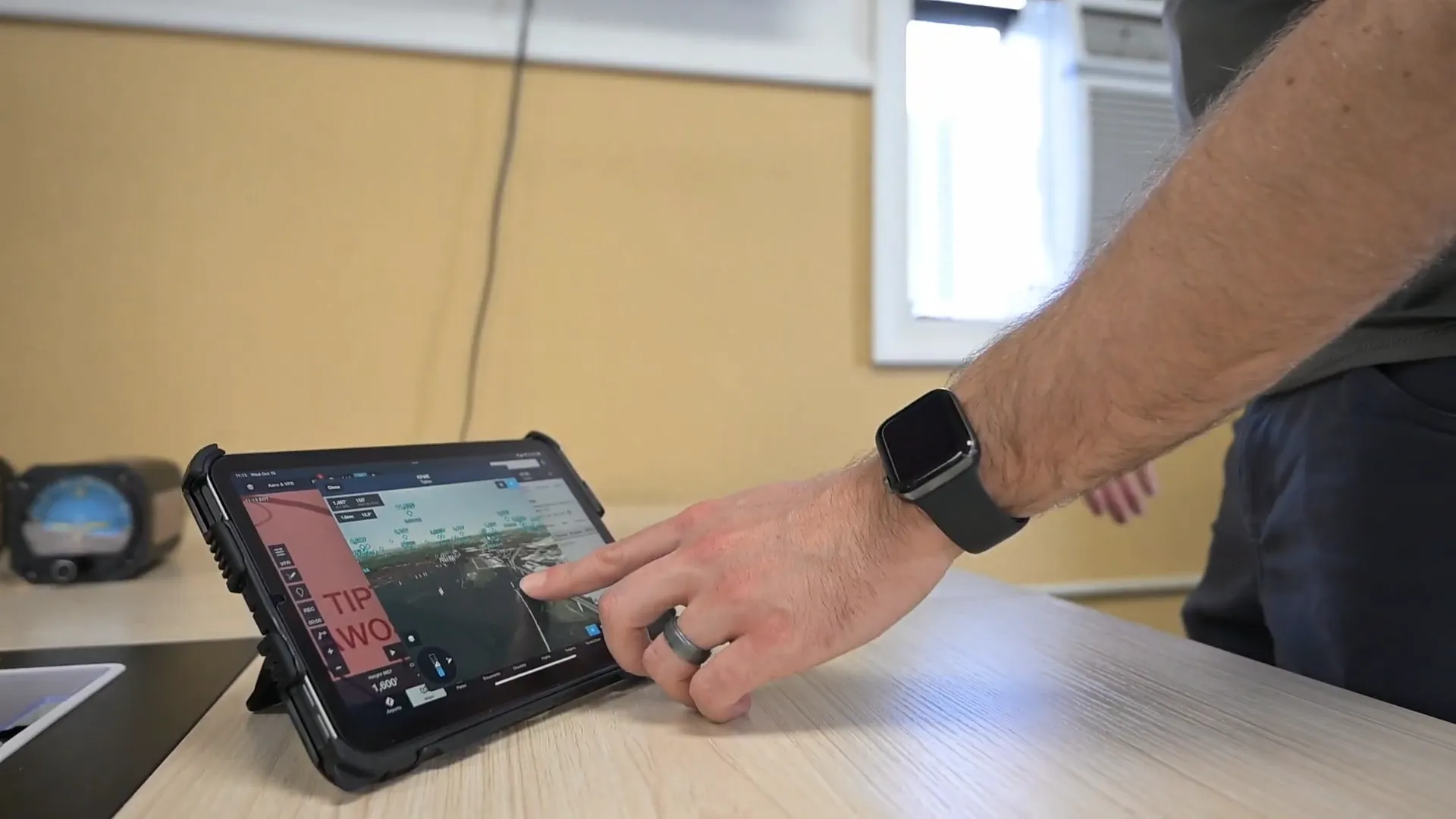
The ForeFlight for VFR course is a 1-hour simulator session that helps student pilots master the ForeFlight EFB in a Visual Flight Rules environment. You'll retrieve airport data, plan VFR arrivals and manage flight plans without juggling an airplane and the radios at the same time.
-
Focused EFB Training
Learn ForeFlight efficiently in a simulator environment, without the distractions of flying an aircraft and managing radios simultaneously.
-
Cost-Effective Training
Save $105 to $125 per session compared to learning ForeFlight in the aircraft, while practicing in safe, controlled conditions.
-
VFR Flight Confidence
Develop practical skills such as retrieving airport info, planning VFR arrivals, reviewing NOTAMs and using the glide ring, all critical for flight safety and efficiency.
What's Included
1-Hour Simulator Session
Practice the ForeFlight features that matter for VFR under the guidance of an experienced CFI in our FAA-approved simulator.
- Retrieve Airport Information & Airspace Awareness
- Load & Modify Flight Plans, Use Satellite Imagery & Glide Ring
- VFR Arrival Planning & NOTAM/Information Bar Usage
Master Your PPL Maneuvers
Deep-Dive Simulator Training
for Ground Reference Maneuvers
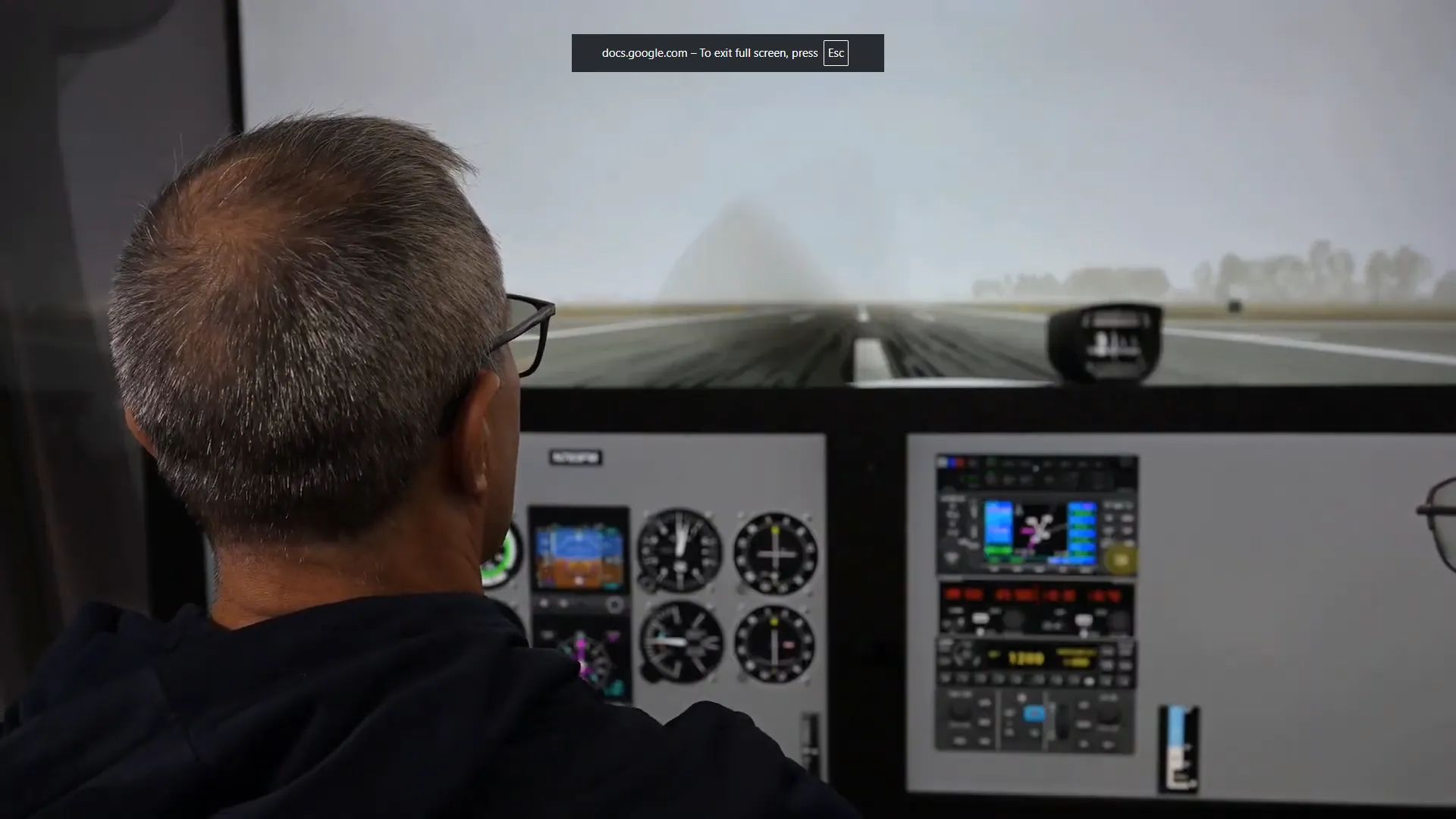
PPL Maneuver Master is a focused simulator course for the Private Pilot ground reference maneuvers. Practice your corrections in any wind we set, away from traffic and distractions.
-
Focused Skill Mastery
Take a deep dive into Rectangular Course, Turns Around a Point and S-Turns, and learn entry, execution and correction techniques efficiently.
-
Simulated Extreme Conditions
Our simulator can create any wind scenario, helping pilots practice corrections and maneuvers in challenging conditions safely before entering the aircraft.
-
Save Time & Money
Avoid unnecessary in-aircraft training hours. Students typically save $215 to $245 per session while building confidence and proficiency.
What's Included
1.5-Hour Deep Dive into Ground Reference Maneuvers
This session focuses only on the key PPL ground reference maneuvers, with personalized guidance from a CFI.
- Rectangular Course, Turns Around a Point, S-Turns
- Simulator Setup for Any Wind Condition
- Site Selection & GPS Aid Usage
Final Checkride Prep
Mock Oral Exam Session
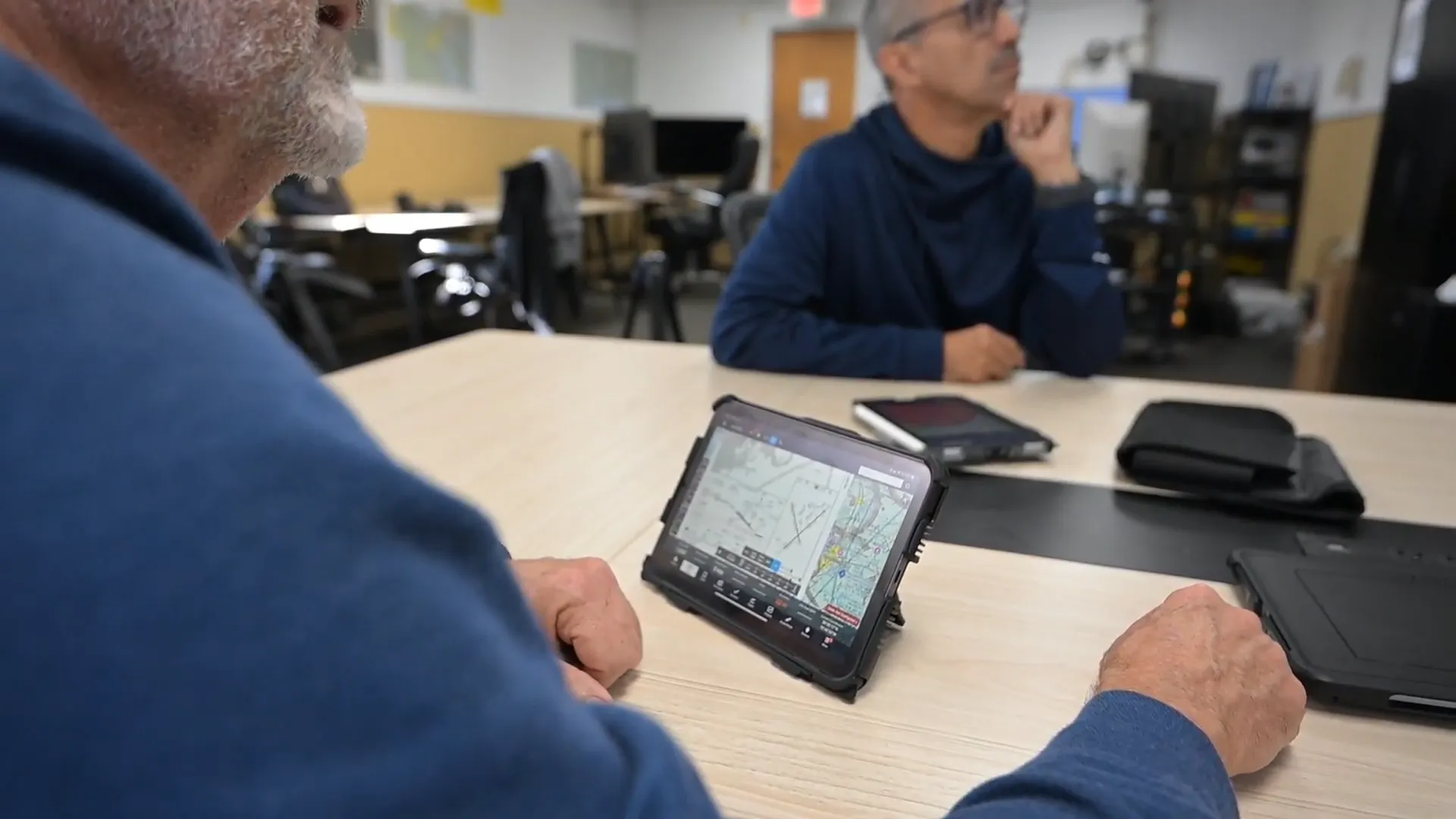
The Mock Checkride Oral gets you ready for the oral portion of the FAA Private Pilot practical test. An experienced CFI or CFII asks the questions the way an examiner would, so you find your weak spots and fix them before checkride day.
-
Comprehensive Oral Review
A realistic FAA-style oral exam that mirrors the checkride, from regulations to systems and performance questions.
-
Instructor Feedback & Guidance
Receive personalized feedback from a CFI or CFII, highlighting areas that need improvement and offering strategies for confident, polished responses.
-
Affordable, Focused Preparation
One-on-one preparation at a fraction of the cost of flight training, with all the focus on oral exam readiness.
What's Included
Oral & Simulator Checkride Simulation
This 3-hour session includes a detailed oral portion and a full simulator session covering ground reference maneuvers, emergency scenarios, navigation and events you choose.
- Ground Portion: Credential & Logbook Review, ACS Q&A
- Simulator Portion: Ground Reference Maneuvers, Engine Failure, GPS, VOR Navigation, In-Flight Divert
Training Somewhere Else?
We'll Work Alongside
Your Current Instructor
You can train in our simulator with your own instructor or one of ours. Tell us where you are in your training and we'll suggest the sessions that help most.
Prepare for Engine Failures
Simulator Session for
Emergency Procedures
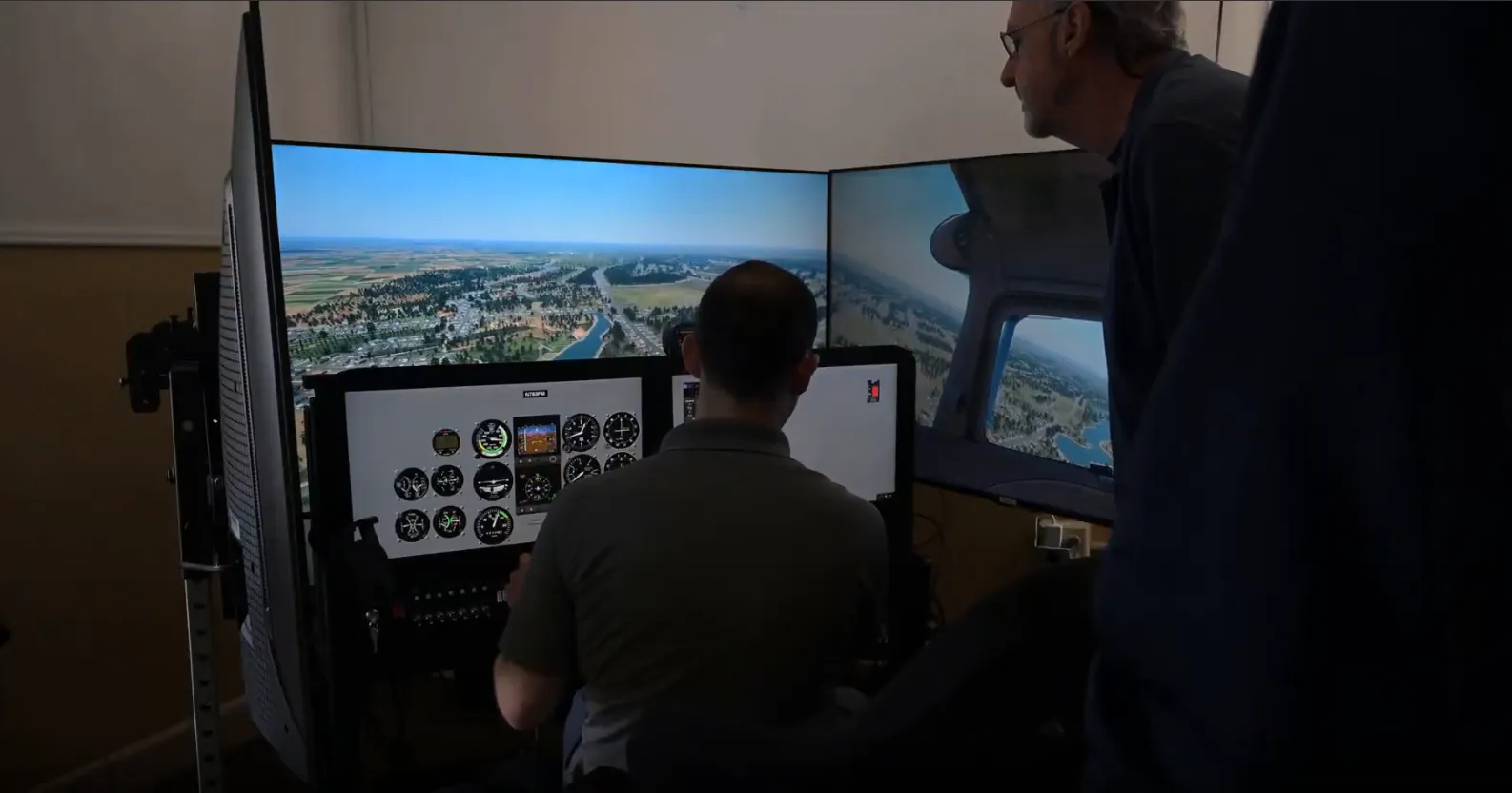
The Engine Failure Bootcamp is a focused simulator session for practicing engine failures safely. Work through realistic emergencies, sharpen your decisions under pressure and build confidence for every phase of flight, without the cost or risk of practicing them in the airplane.
-
Safe, Risk-Free Training
Practice critical engine failure scenarios without putting yourself or the aircraft at risk, under the guidance of an experienced CFI.
-
Realistic Emergency Scenarios
Engage in four challenging scenarios including enroute engine failures, low-altitude emergencies and departures, taking each one from onset to landing.
-
Confidence in Any Phase of Flight
Build a sharper sense of energy state, atmospheric conditions and aircraft systems to safely manage engine failures.
What's Included
1-Hour Simulator Session
Practice engine failure procedures under realistic conditions, guided by an experienced CFI, with emphasis on enroute, low-altitude and departure scenarios.
- Enroute Engine Failures: Glide Distance Calculations
- Low-Altitude Engine Failures: High and Low Energy Comparisons
- Engine Failures on Departure: The Impossible Turn
Garmin GPS Mastery
Simulator GPS Mastery:
GNS430/530 & GTN650/750 for VFR
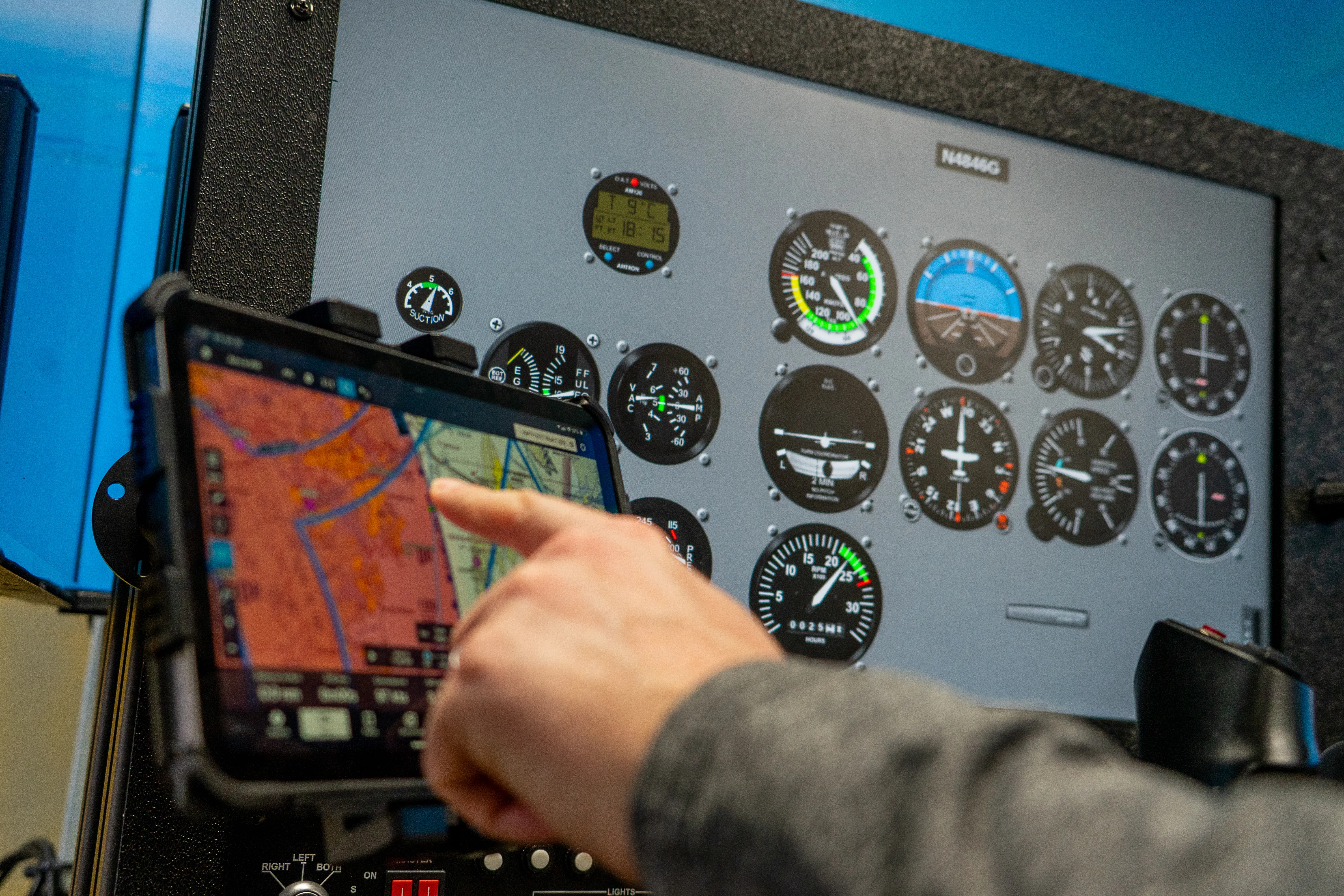
Stop hitting the wrong buttons! This focused 2-hour session covers both the Garmin GNS430/530W and the GTN650/750 for VFR flying. Practice real scenarios in the SG-2 simulator and build accuracy without burning fuel or stressing in the cockpit.
-
Hands-On GPS Practice
Operate both GNS430/530W and GTN650/750 systems in realistic flight conditions, gaining practical experience in real-time simulator scenarios.
-
Essential Navigation Skills
Master key functions like initialization, flight plan entry, map configuration, direct-to navigation and system crossfill between GNS and GTN units.
-
Confidence & Safety
Build the muscle memory to navigate with either Garmin unit, with better precision and situational awareness.
What's Included
GNS430/530W & GTN650/750 VFR Session
A 2-hour simulator session with a CFI guiding you through realistic VFR scenarios on both the GNS430/530 and the GTN650/750.
- Initialization & Setup on Both Systems
- Flight Plan Loading & Map Display Settings
- Direct-To, VOR Navigation & Track Info
- Failure Modes, System Crossfill & Real-World Tips
Garmin G5 Orientation
Glass Cockpit Familiarization
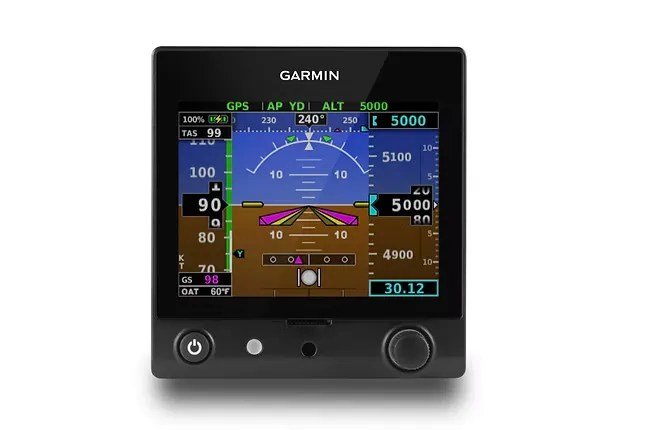
Step confidently into the glass cockpit era. This 1-hour simulator course will teach you the essential and advanced features of the Garmin G5 in both single and dual configurations, helping you master this powerful flight instrument before stepping into the aircraft.
-
Master Glass Cockpit Basics
Learn essential G5 operations including startup, default modes, navigation control and flight data interpretation in a risk-free simulator environment.
-
Adapt Quickly to Modern Avionics
Whether flying VFR or IFR, build comfort and proficiency with G5 displays, ideal for owners, flight clubs and pilots moving from traditional instruments.
-
Train Smarter, Not Harder
Master the Garmin G5 in a simulator, so your in-aircraft time is spent flying, not figuring out new avionics.
What's Included
G5 Orientation Session
A 1-hour hands-on simulator session guided by a CFI to help you understand and operate the Garmin G5 with confidence.
- Startup & Default Modes
- Input Changes & Flight Data Display
- Airspeed, Alt/VSI, and Navigation Control
- Settings & Shutdown Procedures
Personalized Instruction
Custom Flight or
Simulator Training
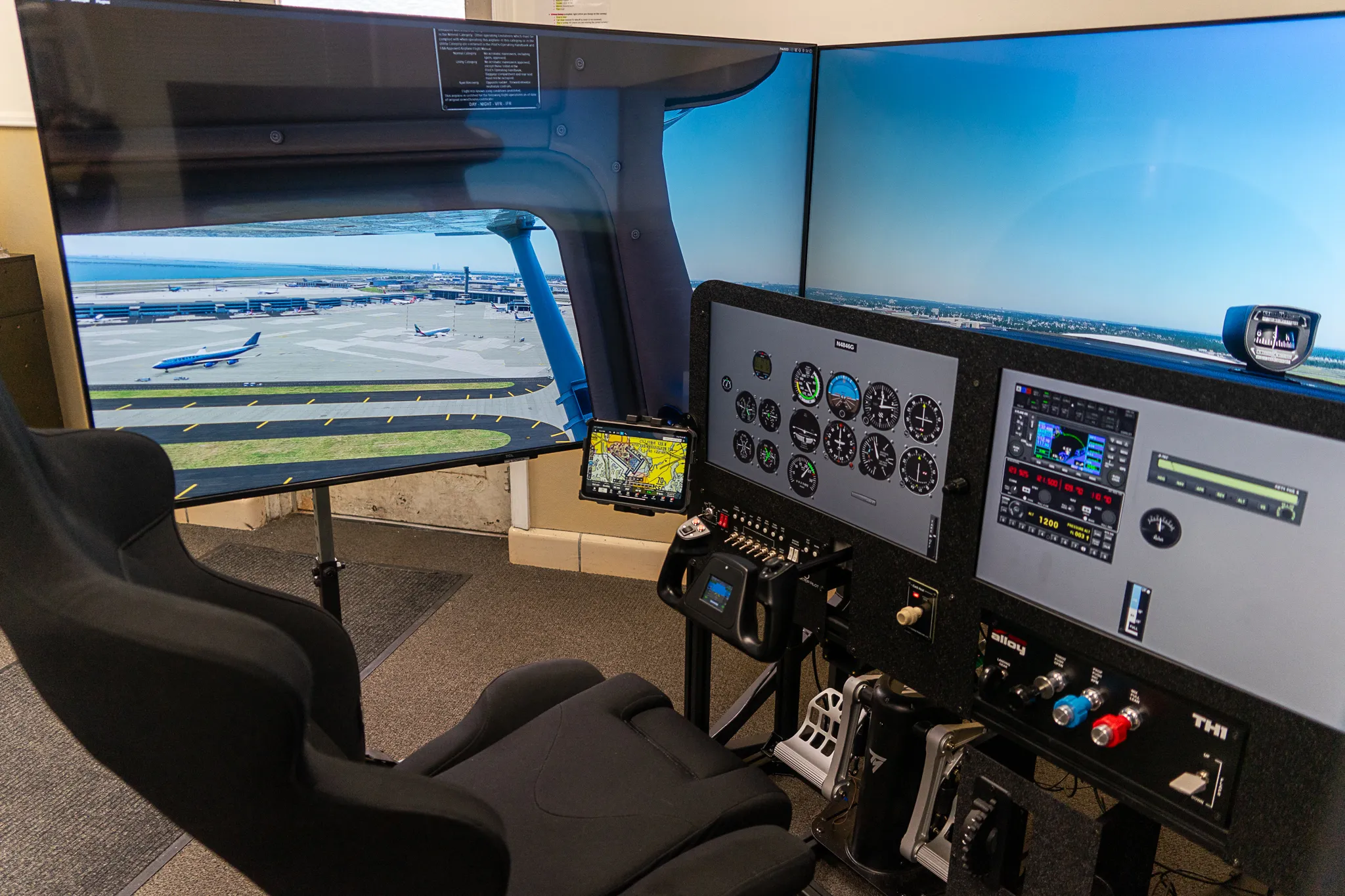
Custom Training sessions are built around your goals. Preparing for a checkride, reviewing procedures or working on navigation, you get one-on-one time with an instructor in the simulator or in one of our Cessna 172s.
-
Completely Customizable
Focus on any skill or topic: maneuvers, navigation, systems review or oral prep, with a CFI guiding you every step of the way.
-
Flexible Scheduling
Book sessions that fit your timeline, from a quick refresher to a longer practice block before a checkride or a new phase.
-
Instructor-Led Progress
Receive targeted feedback and real-time corrections from certified instructors who align the session with your flight goals.
What's Included
Fully Personalized One-on-One Session
This session adapts to your training needs. Cover any topic or maneuver, repeat key procedures or build confidence in a specific scenario.
- Customizable Topics (Maneuvers, Procedures, or Systems)
- Instructor-Led Individualized Guidance
- Flexible Session Duration & Focus Area
New to Flight Training?
Download Our Free Guide
Confused by FAA requirements? Want to master the basics before investing? Our free roadmap simplifies the flight training process, answers the most common student pilot questions, and shows you exactly how starting in a simulator can save you over $3,000 on your license.
Accelerated Training Programs
Fly In.
Train Fast.
Fly Home Ready.
Our accelerator programs are built for pilots who travel in to train. You train over consecutive days in our FAA-approved simulator at Tipton Airport, on a predictable schedule, and head home with the goal you came for, whether that's staying current or moving your career forward.
-
2 to 3 Day Programs
Accelerated Programs
Complete your training in days instead of weeks. Simulator-based instruction keeps the cost down while holding to FAA-approved standards.
-
2 to 3 Day Programs
CFI & CFII Accelerators
Ideal for CFI and CFII candidates seeking focused, scenario-based instruction over consecutive days with dedicated instructor support.
-
2 to 3 Day Program
IR Accelerator
Work toward your instrument rating over consecutive days in our FAA-approved simulator.
-
2 Day Program
IPC Accelerator
Stay instrument current with an IPC Accelerator designed for traveling pilots. Fly in, train over two days and return home current and confident.
Questions & Answers
Frequently Asked Questions
I'm training at another flight school. Can I use your simulator?
Yes. Many students use our simulator to reinforce what they learn elsewhere, with their own instructor or one of ours.
Can I switch my airplane training to Solid Ground?
Yes, we train Part 61 students in our fleet of Cessna 172s. Bring your logbook, and we'll look at where you are and plan the rest of your training with you.
How much do airplane lessons cost?
Aircraft rental is $185 per hour and instruction is $70 per hour, so one hour of dual flight is $255 before ground instruction, testing and supplies.
What happens on a bad-weather day?
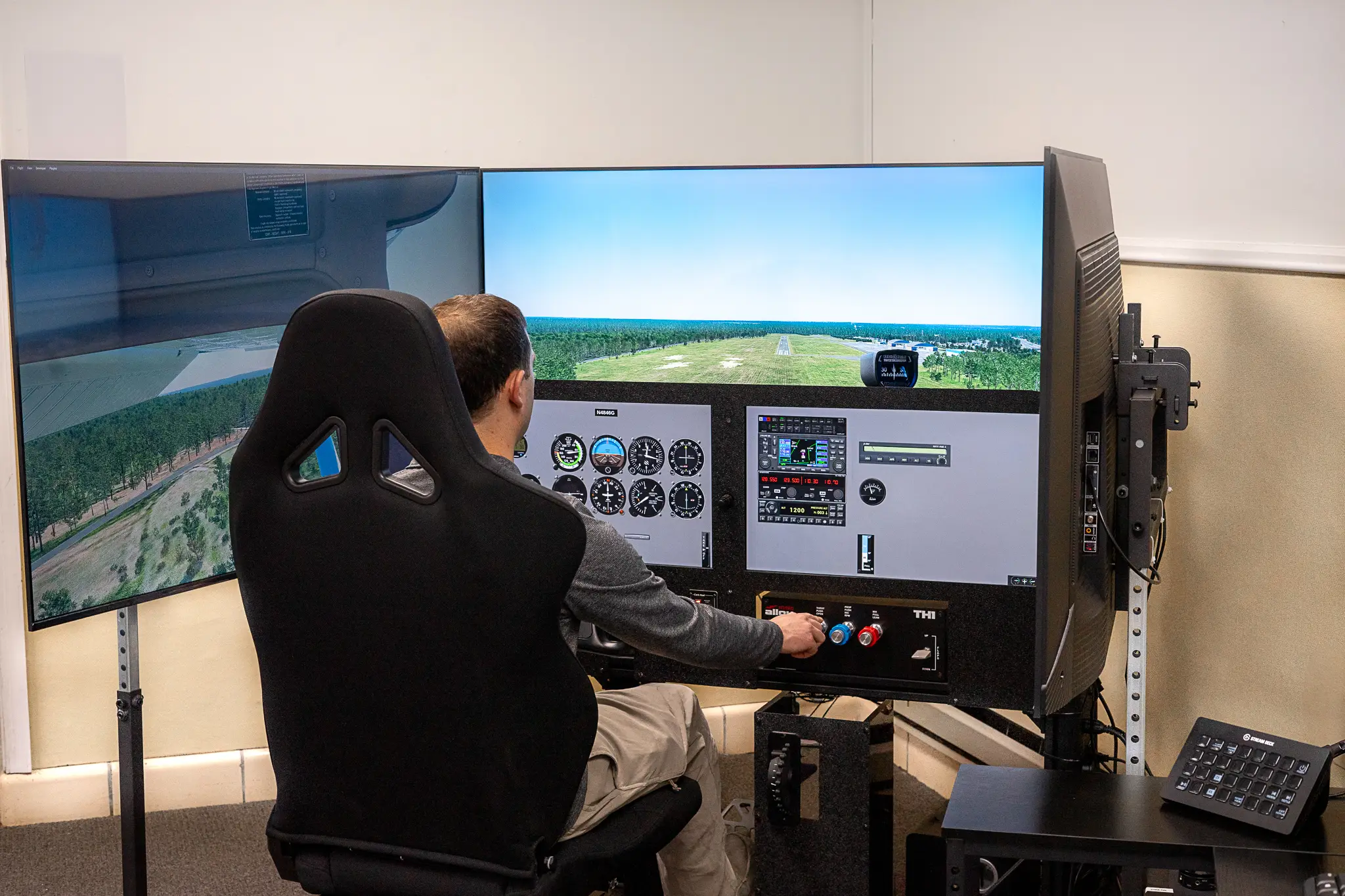
We don't cancel lessons. If the weather or an airplane says no, your lesson moves to the simulator or ground instruction.
Does simulator time count toward my certificate?
Depending on the rating and the device, some simulator time can count toward FAA requirements. We'll show you how it applies to your training before you book.
Got more any more questions? Contact Us
We Don't Cancel Lessons
Your Flight School Has a Weather Problem.
Solid Ground Doesn't.
Low ceilings shouldn't stall your training. When the weather or an airplane says no, your lesson moves to the simulator or ground instruction, and you keep working on what your syllabus needs next.